Creating Zones: How Space Optimization Can Boost Productivity in a Minimalist Home Office
A cluttered corner desk squeezed between the laundry room and the kitchen counter is not a home office. It is a compromise, and compromises rarely spark focus or creativity. For many individuals, their workspace is a reflection of their mental clarity and productivity. A thoughtfully organized workspace can significantly impact one’s ability to concentrate and generate innovative ideas. In 2024, space optimization in home office design is quietly becoming one of the most sought-after productivity strategies among American remote workers.
Recent workplace studies indicate that employees operating in intentionally zoned spaces report productivity boosts of up to 20% higher focus levels compared to those working in undivided, multipurpose rooms. The distinction lies not in having more square footage but in implementing smarter organizational strategies. This concept invites individuals to rethink their current environments by creating designated areas for specific activities. For instance, separating areas for brainstorming, focused work, and relaxation within a single room can lead to improved mental associations and task execution.
What This Article Covers
- Minimalist home office design principles that eliminate visual noise
- Practical ways to create working zones at home, even in studio apartments
- Simple workspace organization tips for desks, storage, and lighting
- Proven home office productivity hacks used by remote professionals nationwide
Regardless of whether you are operating from a spare bedroom in Austin or a converted closet in Brooklyn, the fundamentals of strategic zoning remain consistent. By transforming a single room into multiple functional environments, you can tailor your workspace to support a variety of tasks. For example, you might designate one area for deep focus work by incorporating an ergonomic chair, proper lighting, and minimal distractions, while another area could be set up for brainstorming, equipped with a whiteboard and comfortable seating.
Wouldn’t it be fantastic to enhance your home office productivity without the need for additional square footage? The following sections will meticulously break down how to implement these strategies, room by room and zone by zone. You will discover that through thoughtful design and purposeful zoning, even the most modest of spaces can be transformed into a productivity powerhouse that fosters creativity and focus.
YOU MAY ALSO LIKE: The Art of Decluttering: How Space Optimization Enhances Personal Organization
# The Psychology Behind Zoning Your WorkspaceBefore diving into furniture arrangements and storage solutions, it helps to understand why zoning works in the first place. Environmental psychologists have long studied how physical spaces influence cognitive performance, and the findings are striking.Space optimization in home office design isn’t just an aesthetic trend, it’s rooted in behavioral science. When your brain associates a specific location with a specific task, it primes itself to enter that mental state more quickly. This is sometimes called “context-dependent memory” or “spatial anchoring.”Think about it this way: if you answer emails, eat lunch, and watch Netflix all from the same chair, your brain never fully commits to “work mode.” The lines blur, and so does your focus.## Why American Remote Workers Are Rethinking Their LayoutsAccording to a 2023 Stanford study on remote work habits, professionals who maintained distinct physical boundaries between work and leisure activities reported significantly better work-life separation, even when working from a single-room apartment.This is where minimalist home office design becomes a powerful ally. Minimalism isn’t about owning less for the sake of aesthetics alone. It’s about removing friction. Every unnecessary object on your desk is a micro-decision your brain has to process, and those decisions add up.Consider the difference between these two scenarios:
- A desk cluttered with mail, chargers, coffee mugs, and random papers, where finding your notebook takes three minutes of searching
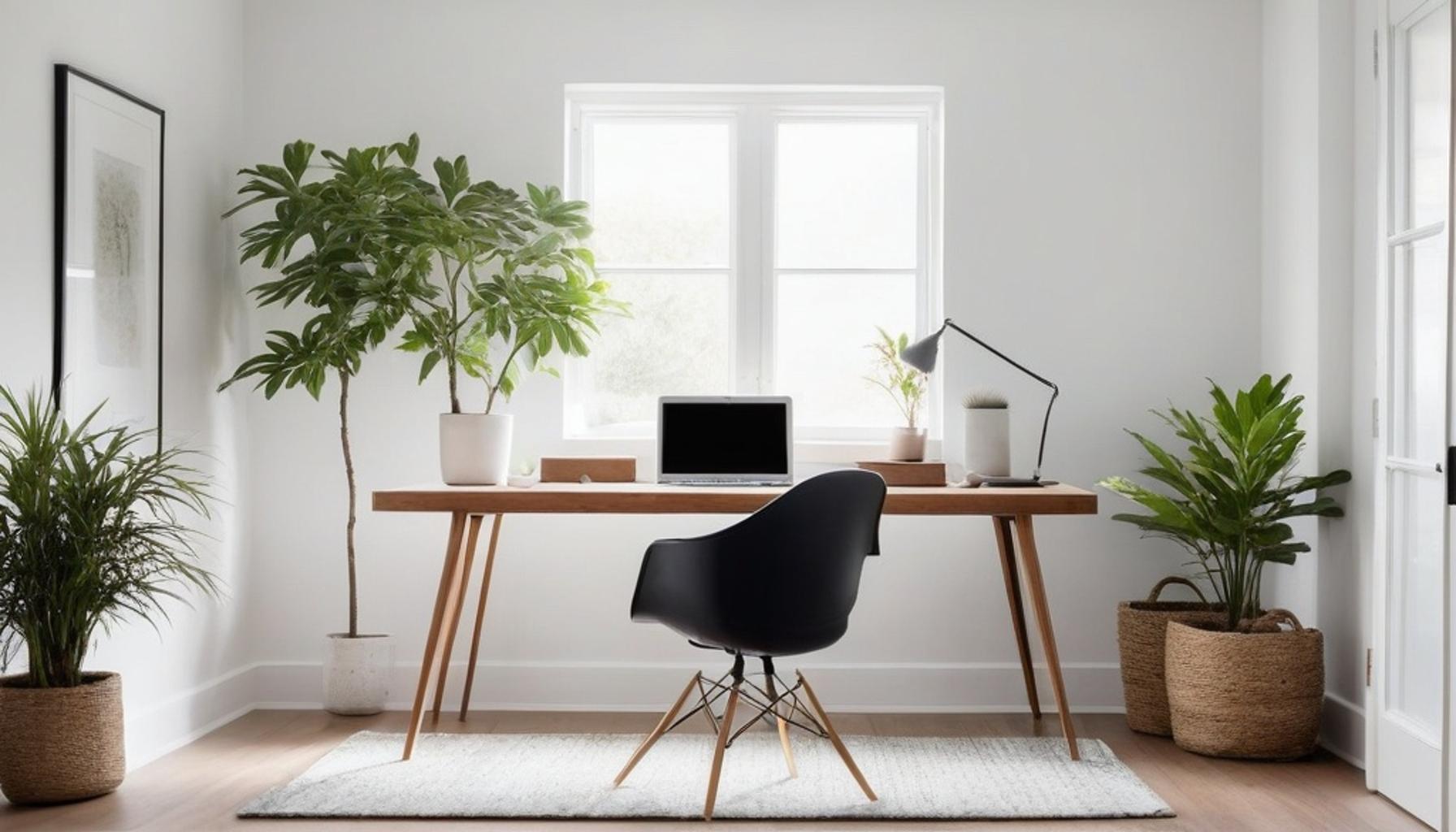
- A desk with only your laptop, one notebook, and a single pen, where everything has an obvious place
The second scenario isn’t just tidier, it’s measurably faster to engage with. Workers in zoned, minimalist setups report starting tasks up to 15% quicker than those in cluttered, undefined spaces, according to workplace efficiency research.## The Three-Zone Framework Most Experts RecommendIf you’re wondering how to create working zones at home without hiring a designer or renovating your apartment, most productivity consultants point to a simple three-zone framework:
- Focus Zone: Reserved for deep, uninterrupted work, typically featuring your main desk, ergonomic seating, and minimal visual distractions
- Collaboration Zone: Used for calls, brainstorming, or creative tasks, often incorporating a whiteboard, standing desk, or comfortable chair
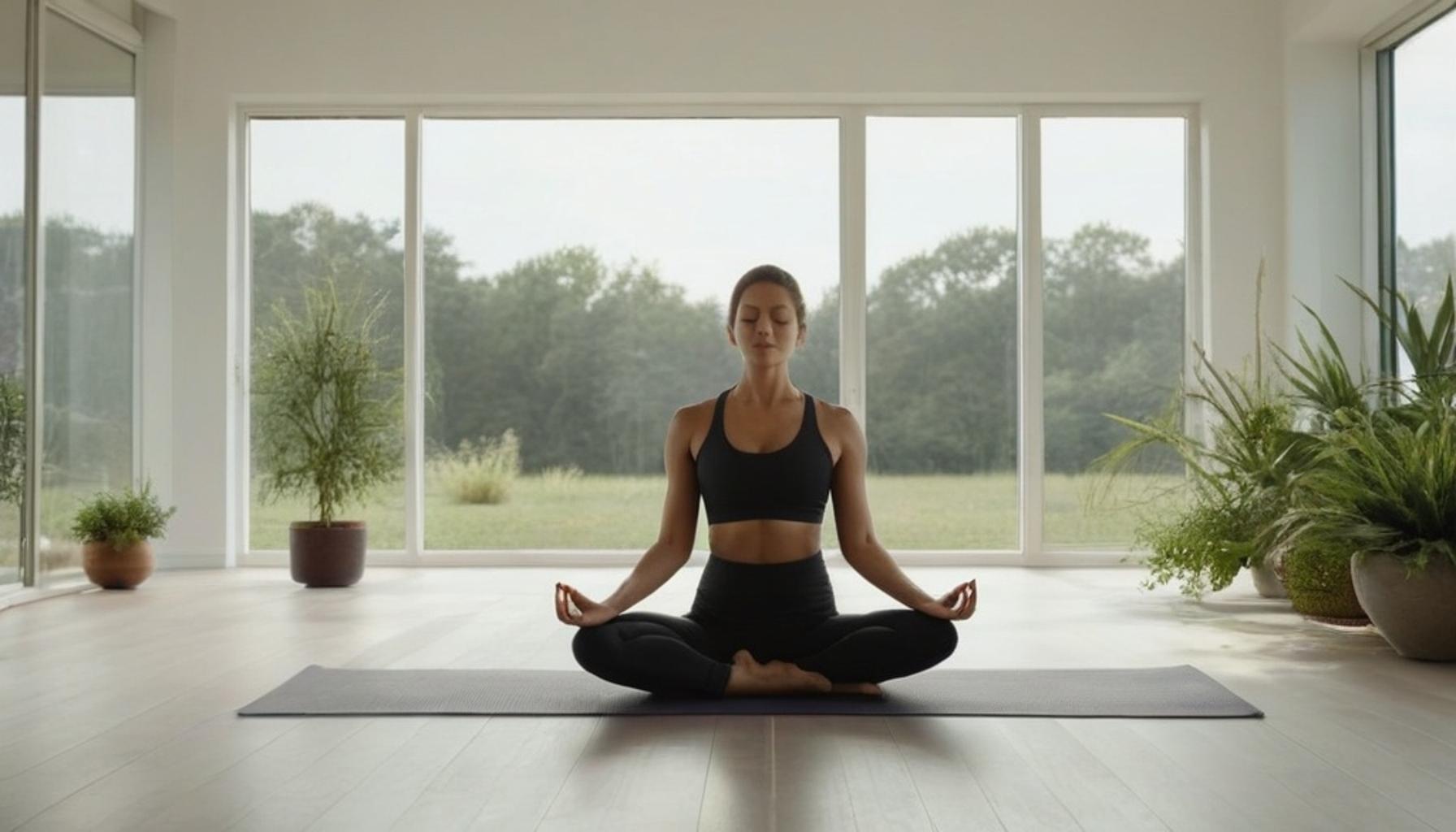
- Reset Zone: A small area, even just a chair by a window, dedicated to breaks and mental decompression
]
This framework applies whether you’re working with a dedicated spare room in suburban Phoenix or a 400-square-foot studio in Manhattan. The square footage matters less than the intentionality behind how it’s divided.
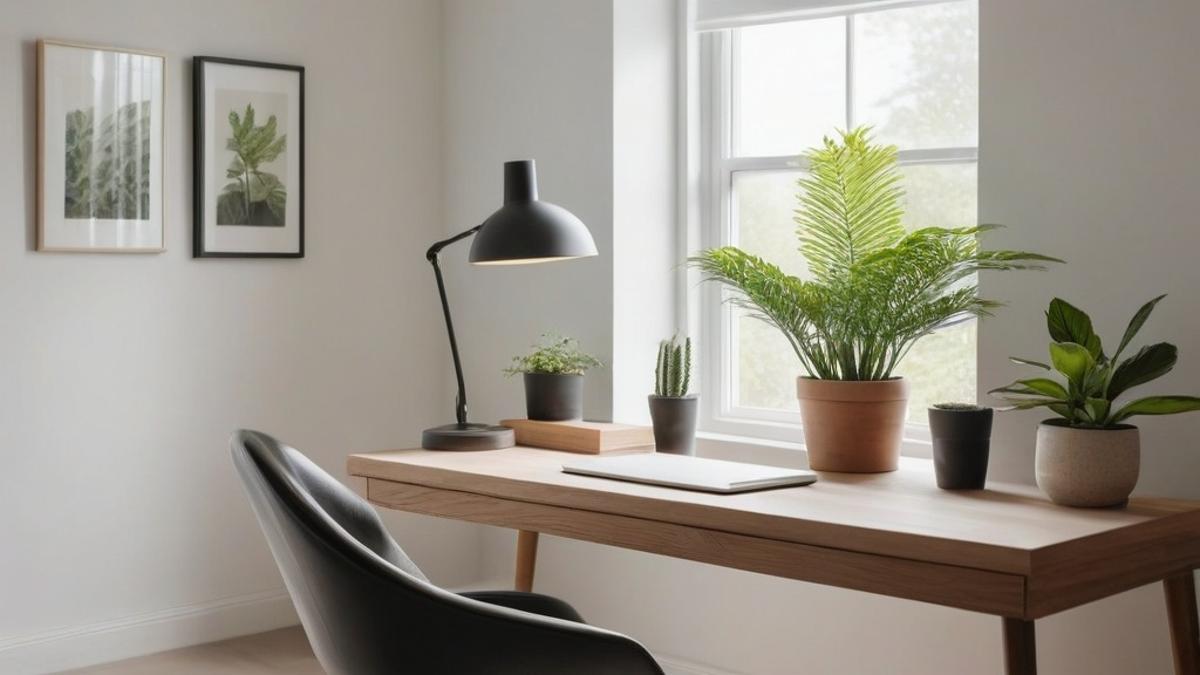
| Category | Details |
|---|---|
| Defining Zones | Utilizing your space effectively by segmenting areas for specific tasks. This concept enhances focus and fosters productivity within a minimalist home office. |
| Increased Efficiency | Space optimization in home office can transform how you work. By creating dedicated zones, you minimize distractions which boost productivity at home. |
| Clarity of Purpose | Each zone serves a distinct function, making it easier to switch between tasks. Implementing workspace organization tips helps maintain cleanliness and order, imperative for serious focus. |
| Balance & Comfort | Creating restful zones in your minimalist home office, like reading or relaxation spots, provides a balance that can reduce stress, ultimately enhancing overall job performance. |
RECOMMENDED: How to Optimize Small Living Spaces with Minimalist Design Principles
Practical Furniture Choices That Reinforce Zone Boundaries
Once the three-zone framework clicks mentally, the next challenge is physical: how do you actually separate spaces when you’re not knocking down walls? This is where smart workspace organization tips come into play, and where furniture choice becomes strategic rather than decorative.
Room dividers, bookshelves, and even area rugs can act as visual cues that tell your brain “this is a different zone” without requiring construction. A study published by the Journal of Environmental Psychology found that even subtle changes in flooring texture or lighting temperature helped participants mentally switch between tasks faster.
Vertical Space Is Your Best Friend in Small Apartments
For renters in cities like Chicago or Brooklyn, where square footage comes at a premium, space optimization in home office setups often means looking up instead of out. Wall-mounted shelves, floating desks, and pegboard organizers free up floor space while keeping essentials accessible.
Consider these vertical solutions that professional organizers frequently recommend:
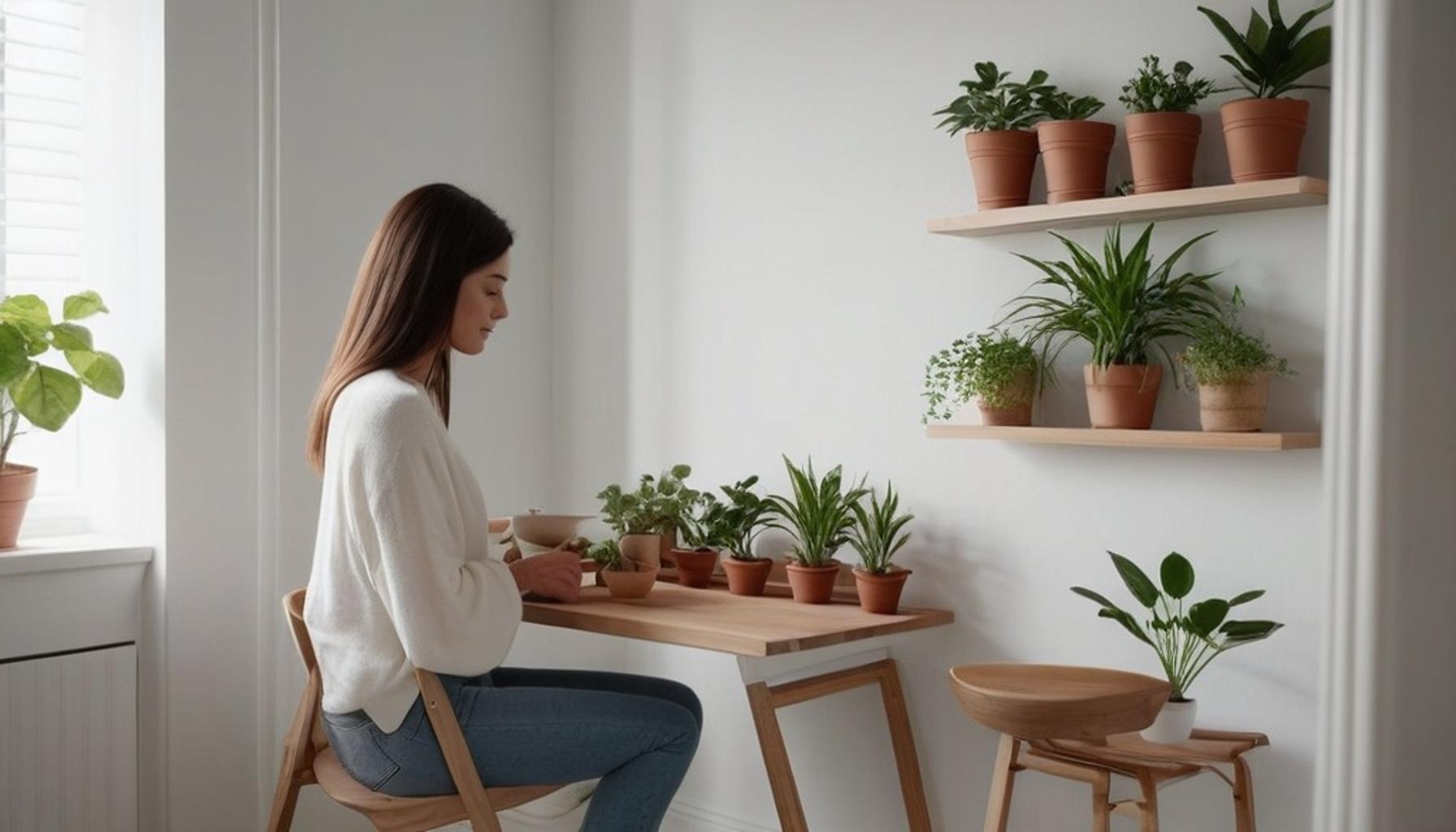
- Floating shelves above the desk for reference books or plants, keeping the desktop surface clear
- A pegboard system for cables, headphones, and small tools instead of desk drawer clutter
- Fold-down desks that tuck away completely when the workday ends, instantly converting the zone back into living space
This approach doesn’t just save space, it reinforces the psychological boundary between “work mode” and “home mode,” even within a single room.
Lighting and Sound as Invisible Zone Markers
Furniture isn’t the only tool available. Lighting and sound play a surprisingly large role in home office productivity hacks that many people overlook entirely.
Cooler, brighter lighting in the Focus Zone signals alertness to the brain, while warmer, dimmer lighting in the Reset Zone encourages relaxation. Some remote workers in Austin and Seattle have started using smart bulbs programmed to shift color temperature automatically, essentially automating their zone transitions.
Sound matters too. A dedicated playlist or white noise pattern used exclusively during focused work can become another anchor, similar to how the physical desk anchors your attention. Over time, hearing that specific sound can trigger concentration almost like a conditioned response.
Small Investments, Measurable Returns
None of these strategies require expensive renovations. A $30 room divider, a $15 smart bulb, or a $10 pair of blackout curtains can meaningfully sharpen the boundaries between zones. When you boost productivity home office setups through these small, deliberate choices, the cumulative effect often outweighs the cost of a single piece of statement furniture.
RECOMMENDED: Transforming Cluttered Areas: Innovative Techniques for a Minimalist Home
Bringing the Zones Together: What Really Changes
Strip away the furniture catalogs and smart bulbs, and the core idea is simple: a home office isn’t just a desk shoved into a corner. It’s a system of deliberate choices that tell your brain when to focus, when to pause, and when to stop working altogether.
Throughout this piece, one theme keeps resurfacing: space optimization in home office setups isn’t about square footage at all. It’s about intention. A studio apartment in Denver and a spare bedroom in suburban Ohio can both apply the same three-zone logic and see similar gains in focus and mental clarity.
The Bigger Picture Beyond Square Footage
What’s often missed in conversations about minimalist home office design is that minimalism isn’t about owning less for its own sake. It’s about removing friction. Every unnecessary object, every ambiguous zone boundary, is one more decision your brain has to make before it can settle into work.
When you create working zones at home, you’re essentially outsourcing self-discipline to your environment. The lighting, the sound, the shelving, they do some of the mental heavy lifting so willpower isn’t the only thing keeping you on task.
Consider starting small this week:
- Pick one boundary marker, a rug, a lamp, or a curtain, and dedicate it exclusively to your Focus Zone
- Track your concentration levels for seven days and note any shift
- Adjust based on what your specific space and routine actually demand, not what looks good in photos
Ultimately, the most effective home office productivity hacks aren’t gadgets at all. They’re the quiet, repeatable cues that turn an ordinary room into three distinct experiences, without a single wall ever coming down.
Frequently Asked Questions
What are the key zones to create for effective space optimization in a home office?
Key zones for space optimization in a home office include the work zone, storage zone, and relaxation zone. The work zone should be equipped with your primary work tools, the storage zone should keep supplies organized and accessible, and the relaxation zone can provide a space for breaks to recharge your productivity.
How can I effectively separate my work and relaxation zones in a small home office?
In a small home office, use furniture placement, rugs, or decorative screens to visually separate your work and relaxation zones. Incorporating different lighting for each zone—such as bright task lights for work and softer lighting for relaxation—can also help reinforce the separation and improve focus.
What minimalist strategies can I implement for space optimization in my home office?
Minimalist strategies for space optimization include decluttering your workspace, investing in multifunctional furniture, and maintaining a limited number of essential tools. Regularly evaluate what is necessary for your productivity and remove items that don’t serve a purpose in your work or well-being.
How does space optimization in a home office enhance productivity?
Space optimization in a home office enhances productivity by minimizing distractions, creating a more organized environment, and facilitating better focus. By designating specific areas for different tasks, you can streamline your workflow and reduce the time spent searching for resources, allowing for a more efficient work experience.

Linda Carter
Linda Carter is a writer specializing in minimalism and personal organization. With extensive experience helping readers create more functional and balanced routines, she shares practical advice on decluttering, organizing spaces, simplifying daily tasks, and making more intentional choices. Her goal is to offer clear guidance and accessible strategies that help people reduce excess, improve their surroundings, and enjoy a calmer, more organized lifestyle.